
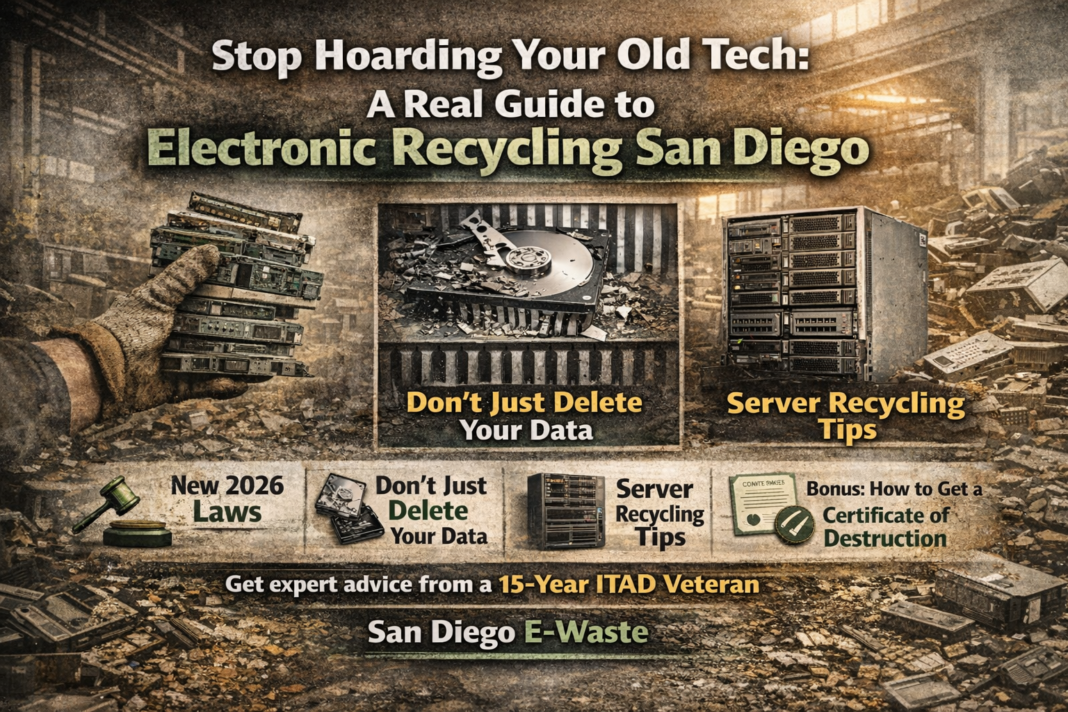

I’ve spent fifteen years in the trenches of the ITAD world. I’ve seen it all. I’ve smelled the ozone from shorted-out motherboards and felt the literal weight of a thousand dead laptops in the back of a box truck. Most people treat electronic recycling San Diego like a weekend chore they can just ignore. They think that stack of old Dell towers in the closet is harmless. It isn’t. Those machines are a liability, a fire hazard, and a data breach waiting to happen.
Here’s the thing: the rules are changing. If you’re buying or tossing anything with an embedded battery—think those “un-repairable” tablets or wireless earbuds—the protocols are different now. I’ve spent the last month helping local San Diego businesses navigate these new fees and disposal protocols. It’s a mess if you don’t know what you’re doing. But if you follow a few basic rules, you won’t end up with a massive headache.
The Data Destruction Myth
Stop hitting the “Factory Reset” button and thinking you’re safe. I’ve watched guys pull sensitive client lists off “wiped” drives in under ten minutes. It’s terrifying. In the United States, identity theft is a multi-billion dollar industry, and your old office copier is their favorite goldmine.
You need real Data Destruction. Not a software wipe. Not a “I smashed it with a hammer” approach. I’m talking about industrial-grade solutions. If you aren’t getting a Certificate of Destruction, you didn’t actually destroy the data. You just threw it away and hoped for the best. Hope isn’t a strategy.
Hard Drive Destruction vs. Shucking
I recently walked into a warehouse in Mira Mesa where a guy was trying to “shuck” drives by hand. He had a screwdriver and a literal bucket of sweat. I told him he was wasting his life. Hard Drive Destruction should be violent and absolute.
At a professional shop like San Diego E-Waste, we use shredders that turn platters into confetti. You can hear the metal screaming as the blades catch. It’s a beautiful sound. It means that data is gone. Forever. If you’re a business owner in Mission Valley or Downtown, don’t let your intern handle this. Use a pro.
The Server Recycling Nightmare
Let’s talk about the big stuff. Server Recycling is a different beast entirely. These racks are heavy, awkward, and packed with proprietary tech. I remember a job back in ’18 where a local startup tried to dump three server racks into a standard dumpster behind their office. The landlord lost his mind.
Servers aren’t just “big computers.” They have high-density components and massive cooling systems that need specialized handling. When we do a teardown, we’re looking for everything from high-grade gold on the pins to the heavy steel of the chassis. It’s a heavy lift. Literally.
Why You Can’t Just “Trash It”
Anyway, why do we care? Because the stuff inside your tech is toxic. Lead, mercury, cadmium—it’s a periodic table of “please don’t put this in the water table.” San Diego has beautiful coastlines. We don’t need mercury leaching into the bay because someone was too lazy to drive to a certified drop-off.
The city is cracking down on “midnight dumping.” If your company logo is found on a device in a canyon, expect a knock on the door. It’s not worth the risk. Plus, with new battery laws, even small items like vape pens and smartwatches are now part of the regulated stream.
The Logistics of a Cleanout
So, you have a pile of junk. What now?
- Step 1: Audit the pile. Separate the monitors (CRTs are a pain) from the towers.
- Step 2: Pull the drives if you’re paranoid, but honestly, just keep them in the machines and let the recycler handle the serial number tracking.
- Step 3: Check for batteries. If they’re swollen (we call them “spicy pillows”), handle them like a live grenade. They can and will start a fire in a hot truck.
I’ve seen trucks go up in flames on the I-5 because of a single punctured lithium-ion battery. It’s not a joke.
Final Reality Check
Here’s my unfiltered advice: Stop waiting for the “perfect time” to clean out your IT closet. It’s never going to happen. The pile only grows. The dust only gets thicker. And the data on those drives only gets more outdated and vulnerable.
San Diego has plenty of “free” recyclers, but remember: if the service is free, you aren’t the customer—you’re the product. They’re making their money by selling your components or, worse, your data. Pay for a certified provider. Get the paperwork. Sleep better at night knowing your company isn’t the next headline in a privacy breach scandal.
Proper electronic recycling San Diego isn’t about being a “green” hero. It’s about being a professional who doesn’t leave loose ends. Now, go look in that storage closet. You know the one. It’s time to clear it out.
FAQ: Everything You’re Too Afraid to Ask
1. Is it actually illegal to throw a laptop in the trash in San Diego? Yes. California law (and specifically San Diego municipal code) prohibits “universal waste” in landfills. This includes anything with a circuit board or battery. You can get hit with heavy fines if you’re caught.
2. Does San Diego E-Waste provide on-site shredding? Most high-end facilities do. If you have high-security data, you can watch the shredder eat your drives right in your parking lot. It’s the only way to be 100% sure.
3. What happens to my old computer after I drop it off? First, it’s sorted. Working parts are salvaged (remarketing). Non-working parts are dismantled. The circuit boards go to a smelter to recover precious metals, and the plastics are pelletized for new products.
4. Are there any items you won’t take? Most electronics recyclers won’t touch “white goods” like refrigerators or microwaves unless they have a specific license. They also usually stay away from biohazardous medical tech or smoke detectors.
5. How do I get a Certificate of Destruction? You have to ask for it upfront. A reputable recycler will scan the serial number of every drive, destroy it, and then send you a legal document tied to those specific numbers for your audit trail.
San Diego E-Waste Free Pick Up / Drop Off
Address: 645 Marsat Ct # B, Chula Vista, CA 91911, USA
Phone: 619-657-3103
Website: sdewaste.org
Get Directions: sdewaste.org/get-directions


